iot
iot
Automate Your Curtains with a Smart Tuya Roller Chain Motor: A Step-by-Step Guide
Ever wished your curtains could open and close on their own? Maybe you’re tired of fumbling with cords in the morning or want to impress your friends with a “Hey Google, open the curtains” moment. Whatever your reason, automating your curtains with a Tuya Smart Curtain Roller Chain Motor is easier than you think. Here’s how I did it—and how you can too. Why Automate Your Curtains? I’ll admit it: I’m lazy.
Voice-Controlling Your Home with ESP32 and Home Assistant via Google Assistant
Ever wished you could turn off the lights without lifting a finger—or even getting out of bed? I certainly have, especially on those lazy Sunday mornings. That’s why I set out to integrate my ESP32-based smart devices with Home Assistant and Google Assistant, enabling voice control for my entire home. In this guide, I’ll walk you through the process step by step, sharing the pitfalls I encountered (and how to avoid them) along the way.
HomeAssistant Air Quality Monitoring: Why PMS5003 with ESP32 is the Best Combo for 2025
Ever wondered why your allergies act up indoors or why that mysterious “musty smell” lingers? I did—until I built my own air quality monitor using a PMS5003 sensor and ESP32. In 2025, with wildfires, pollen, and urban pollution on the rise, monitoring air quality isn’t just a luxury—it’s a necessity. Here’s why this combo is unbeatable and how to set it up with HomeAssistant. Why PMS5003 + ESP32? Accuracy: The PMS5003 laser particle sensor detects PM1.
DIY Smart Door Sensor with ESP32 and Home Assistant: A Step-by-Step Guide
DIY Smart Door Sensor with ESP32 and Home Assistant Ever walked out the door and wondered, Did I close it? I’ve been there too—until I built a DIY smart door sensor using an ESP32 and Home Assistant. Now, my phone buzzes if the door’s left ajar, and I’ve even set up automations to turn off the AC when the door’s open for too long (goodbye, wasted energy!). Here’s how you can build your own.
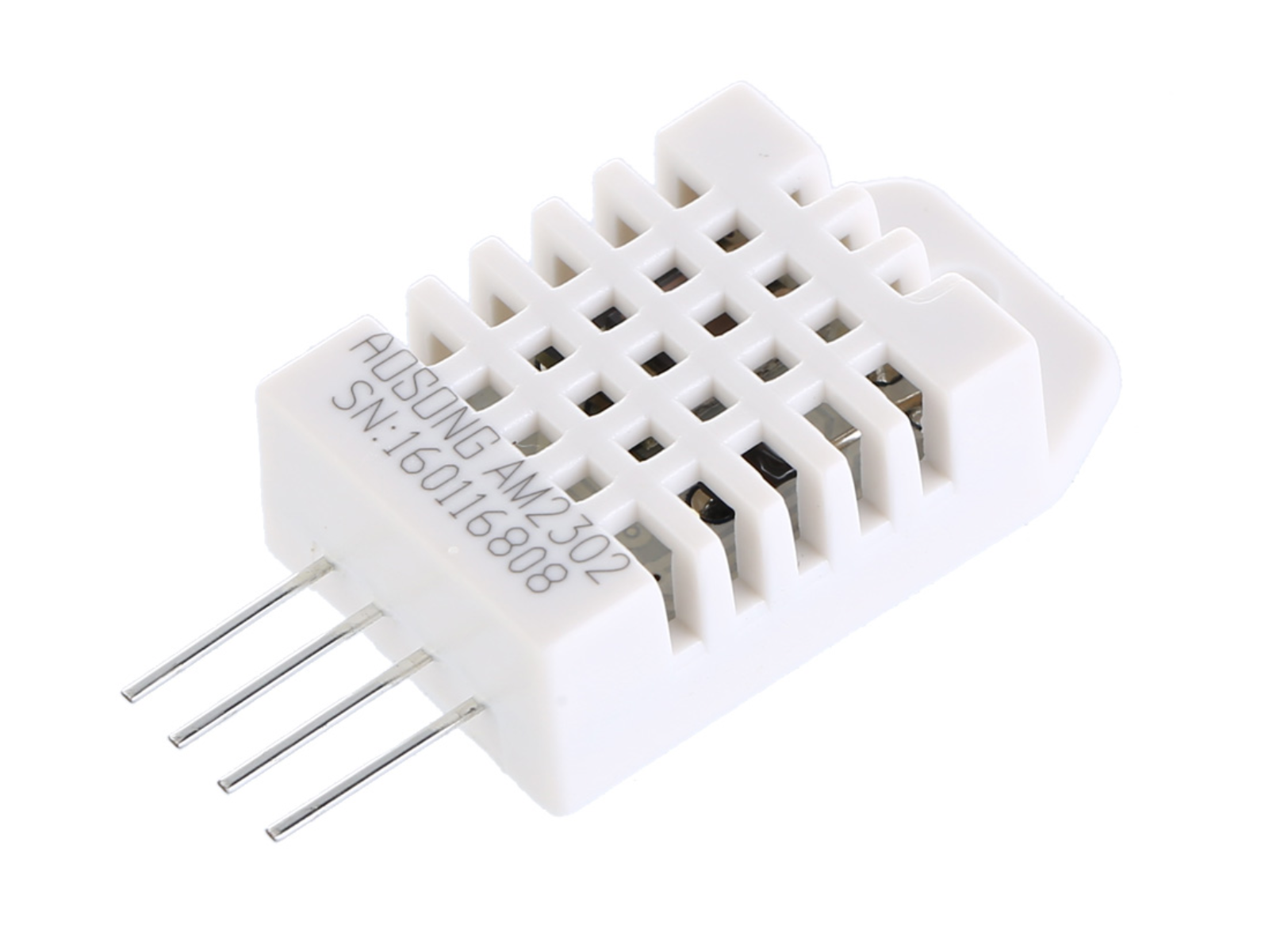
Esp32 + 1$ DHT22 temperature sensor
ESPHome is a powerful framework for building IoT devices using ESP8266, ESP32, and other microcontrollers. It allows you to easily configure and control your devices from a web interface. In this tutorial, we will learn how to connect the DHT22 sensor to the ESP32 board using ESPHome. Let’s get started. Step 1: Install ESPHome Before we begin, make sure you have installed ESPHome on your computer. Follow the instructions on the ESPHome website to install ESPHome.

Cheap 15$ Air quality monitor: ESP32, Bluetooth & Home assistant
If you are a DIY lover, the first sensors you look at are : temperature sensor and airquality sensor. #Metoo. I have started with the temperature sensor in this article and found that amazing. I decided to go try the airquality monitoring. I wanted something cheap, and ideally with bluetooth to connect it easily to my ESP32 and Home assistant, I found that Airbox WP6003 can do the job. Requirements: ESP32-DevKit board: Buy it here Airbox WP6003 Bluetooth: Buy it here Collecting information BLE devices normally has characteristics that can be access using an ID.
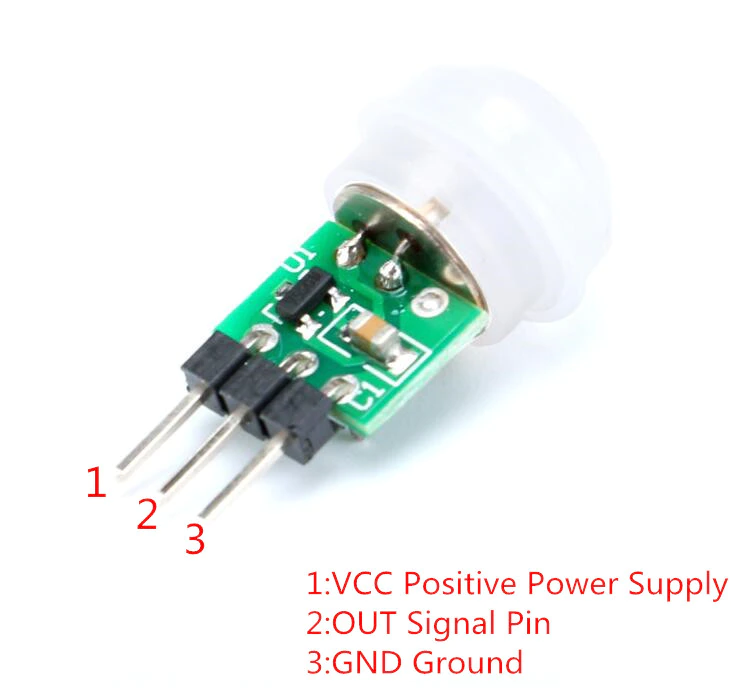
ESP32 AM312 motion sensor automation
DIY 5 minutes : Connect esp32 to the motion sensor am312 and create an automation. In the last article, we’ve seen how to turn on/off the smart light depending on the presence of your smartwatch. In this article, we will see how to turn on/off the light using the PIR motion sensor AM312. Requirements Before starting the tutorial, you should have these materials. Aliexpress: ESP32-DevKit board: Buy it here AM312 PIR Motion sensor: Buy it here Tuya wifi bulb: Buy it here Wiring the components AM312 has 3 pins: 5v, GND and DATA.

How to turn off the light automatically when you go out using esp32
Everytime you go out and you forget to turn off the light ! Don’t worry, you are not alone in this situation. We are all LAZY. In this article, we will make it simple and easy to make some economy on your electric bill, but we will also contribute to save the planet. Requirements Before starting the tutorial, you should have these materials. ESP32-DevKit board: Buy it here Tuya wifi bulb: Buy it here Xiaomi MiBand: Buy it here Finding the Mi band MAC adress if you know already your band bluetooth MAC adress, you can skip this part.
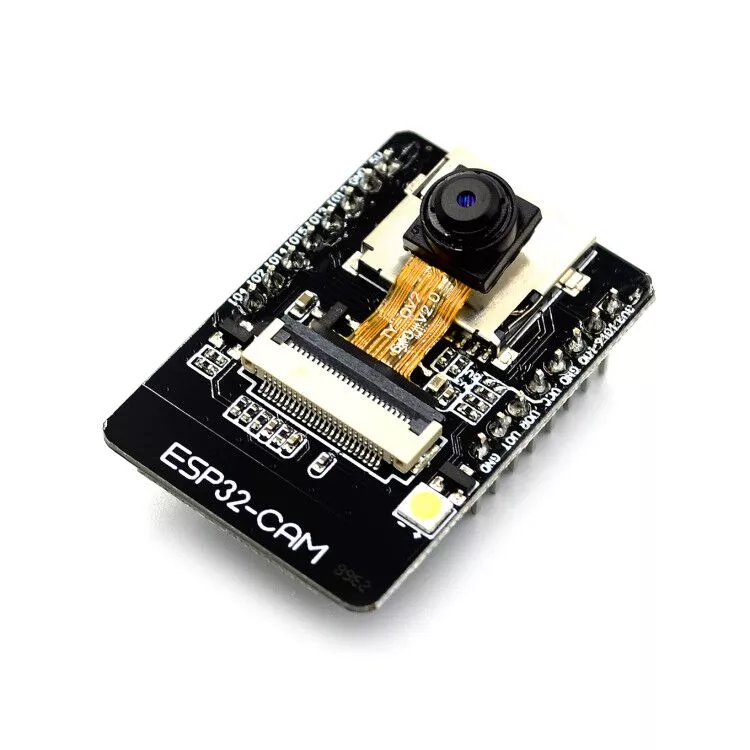
ESP32 cam tutorial: Setup a 5$ live streaming camera for your house with esphome
Yes you can monitor your house with live streaming for only 5$. How? In this article, I will show you my test with esp32 camera. In addition, you will see how to configure it using esphome. Finally, I will show you how to connect esp32 cam to home assistant. Requirements Before starting the tutorial, you should have these materials. Aliexpress: ESP32-Cam: Buy it here Jump wires FDTI: Buy it here If you find any problem during this tutorial: Please leave a commment and I will reply very soon!
How to connect ESP32 to home assistant in 5 minutes
How to connect ESP32 configured with ESPhome to home assistant. In the last article, we’ve seen how to configure an ESP32 chip with ESPhome and how to connect it to Xiomi Mijia thermometer. Now, we will discover how to have a good graphical interface to monitor the temperature of the room. What is home assistant? Home assistant is an open source software that let you monitor IoT devices in your home.