How to connect ESP32 to home assistant in 5 minutes
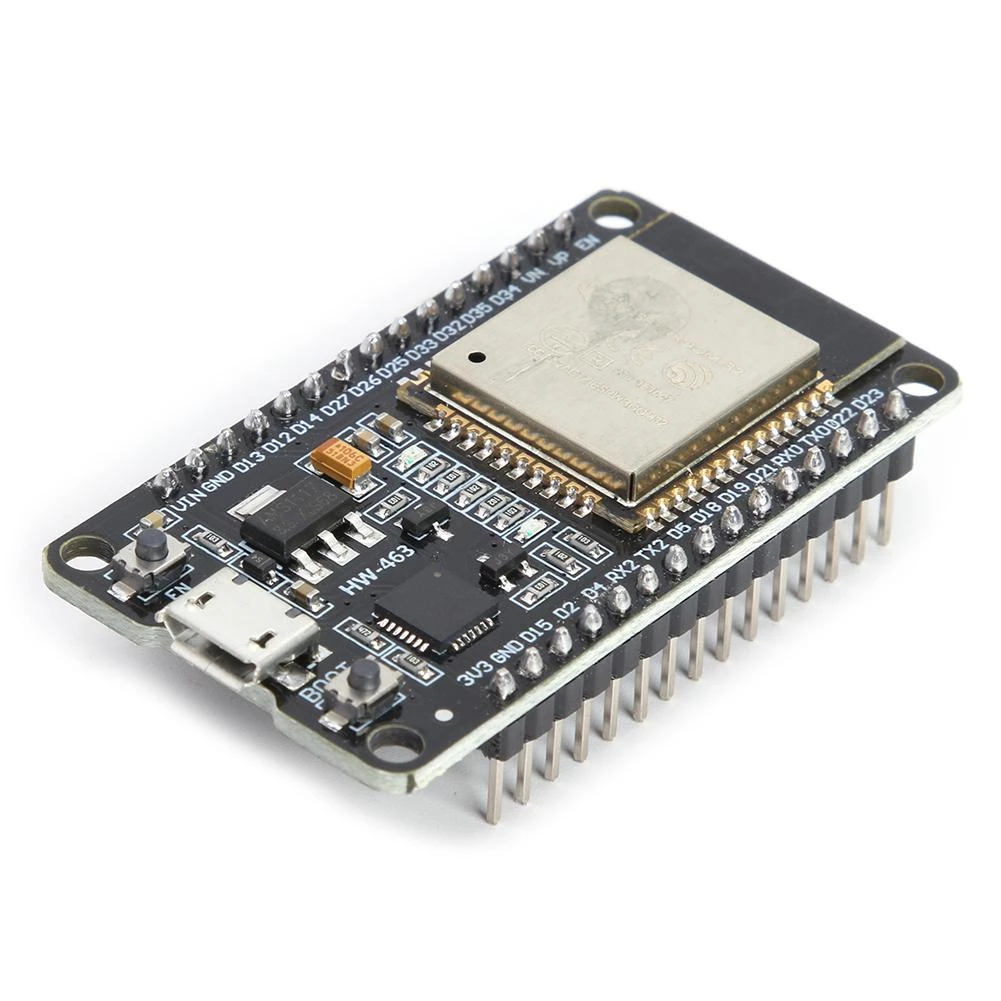
How to connect ESP32 configured with ESPhome to home assistant.
In the last article, we’ve seen how to configure an ESP32 chip with ESPhome and how to connect it to Xiomi Mijia thermometer. Now, we will discover how to have a good graphical interface to monitor the temperature of the room.
What is home assistant?
Home assistant is an open source software that let you monitor IoT devices in your home. Also, it can create automation easily. For example, when the temperature is less than 21 degrees, you can send a notification to your mobile device. Also, you can may run your heater if you have a connected heater.
Run home assistant
In most cases, home assistant is installed on raspberry pi as shown on the official document. However, this article will explain how to install on your computer using docker compose.
Let’s start by creating myproject directory. In this directory, create a subdirectory called config. You should have a tree that looks like :
| myproject
| -- docker-compose.yaml
| -- config
Stop wasting your time !
Each holiday, you decide to make a smart home project. But each holiday, you spend hours on finding an interesting project to do.
Don't worry, I can help you ! Join my community to receive the newest DIY projects periodically.
Promise! No spam, your email is kept private
Now add the file docker-compose.yaml to myproject folder.
# docker-compose.yaml
version: "3.5"
services:
  homeassistant:
    container_name: home-assistant
    image: homeassistant/home-assistant:stable
    volumes:
      - ./config:/config
    environment:
      - TZ=Europe/Paris
    restart: always
    ports:
      - 8123:8123
    network_mode: host
Run the home assistant :
$ docker-compose up -d
Requirements
Personnally, I deploy it on my Orangepi3 LTS: Buy it here
Setup home assistant
Congratulations, your home assistant is now running. You need to configure it as following:
- Go to http://localhost:8123
- Create your account using a username and password
- Add your location if you are interested in seeing weather data
- Then click finish
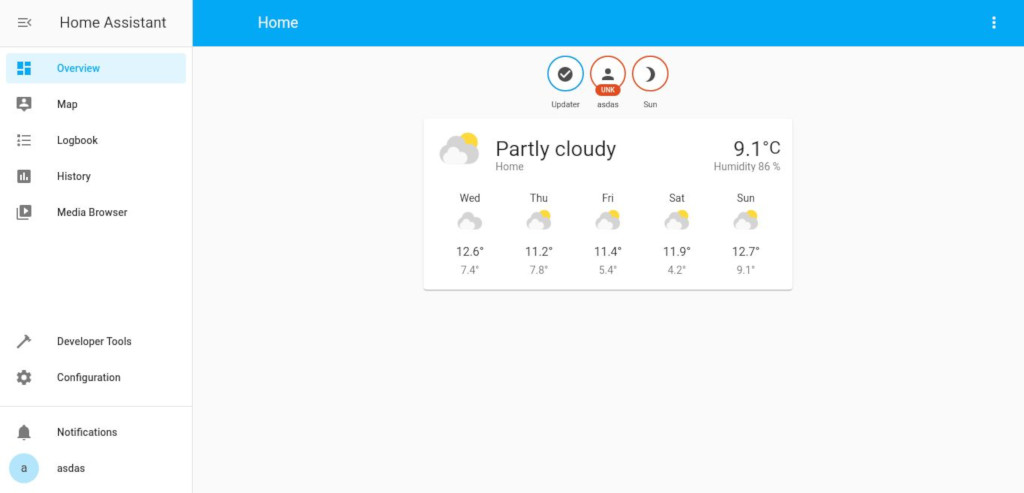
A home page should appear.
Configuring the home assistant
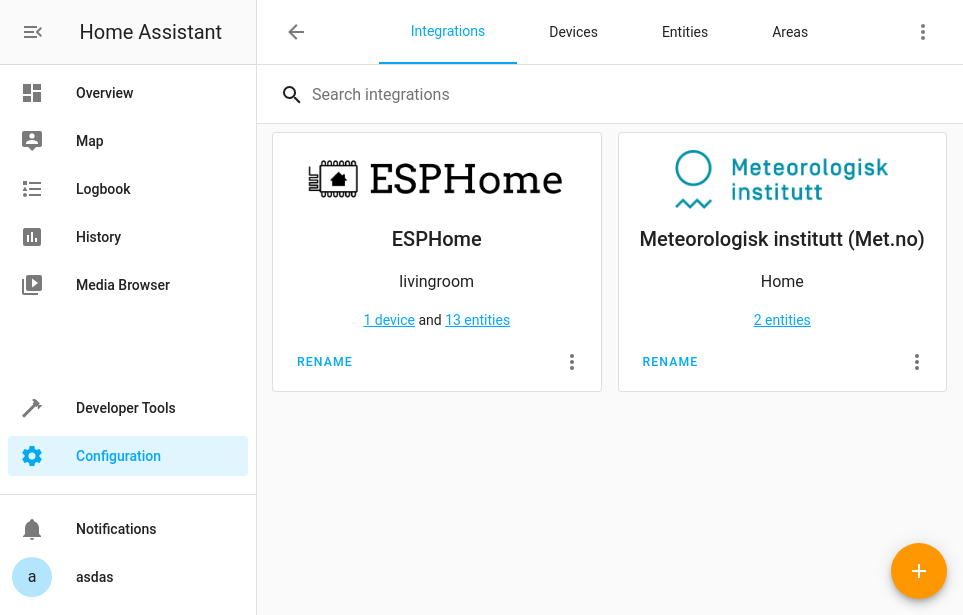
- Click on
Configuration, at the bottom left. - Go to
Integrations. - Click on the
+button at the bottom right. - A modal will appear with the list of supported devices, click on
esphome. - Add the Ip address of your ESP32, leave port to
6053. - Click on finish.
Now you have an ESPhome configured correctly.
Add data to the homepage
Once you have configured an ESPhome device, you can now add the data that it provides to your home page. My device is connected to Xiaomi Mijia thermometer, so my goal is to see the temperature and humidity data.
- Click on
Configuration, at the bottom left. - Go to
Devices. - Click on your device
- At the bottom Entities, click on
Add to Lovelace.
Finally, return to home page and monitor the temperature of your living room from the homepage.
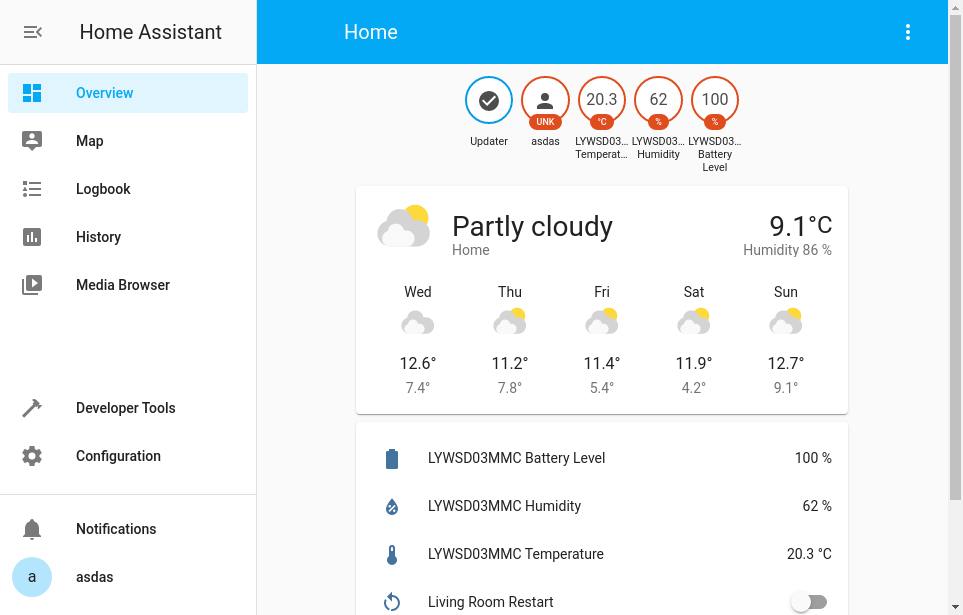
Accessing temperature from outside
Monitoring your house when you are inside is important, but it is important when you are outside too.
- First of all, open the port 8123 on your router and forward it to the home assistant host.
- Download home assistant app for android or ios.
- Get your home gateway public ip using https://www.showmyipaddress.eu/
- Open the application and add the url of connection http://yourpublicip:8123/
Congratulations for installing home assistant successully. If you find any problem, please write a comment below, I will be glad to asnwer you as soon as possible.
Building something like this in production?
I help teams turn setups like this into reliable, monitored infrastructure.
Get a free consulting callGet my monitoring stack checklist
The exact checklist I use when setting up observability for a new team. No spam, unsubscribe anytime.