Blogs
Blogs

How to send duplicate RemoteWrite metrics
When working with metrics, you may want to send the metrics you’ve collected to 2 different prometheus instances for backup. Despite that a feature in Prometheus allows you send the metrics received to another prometheus, it’s not recommended to do that when working with high amounts of metrics. Indeed, Prometheus consumes a lot of resources to do the remotewrite and this may reduce its capability to perform well. But other solution exists : lightweight, simple and works perfectly.
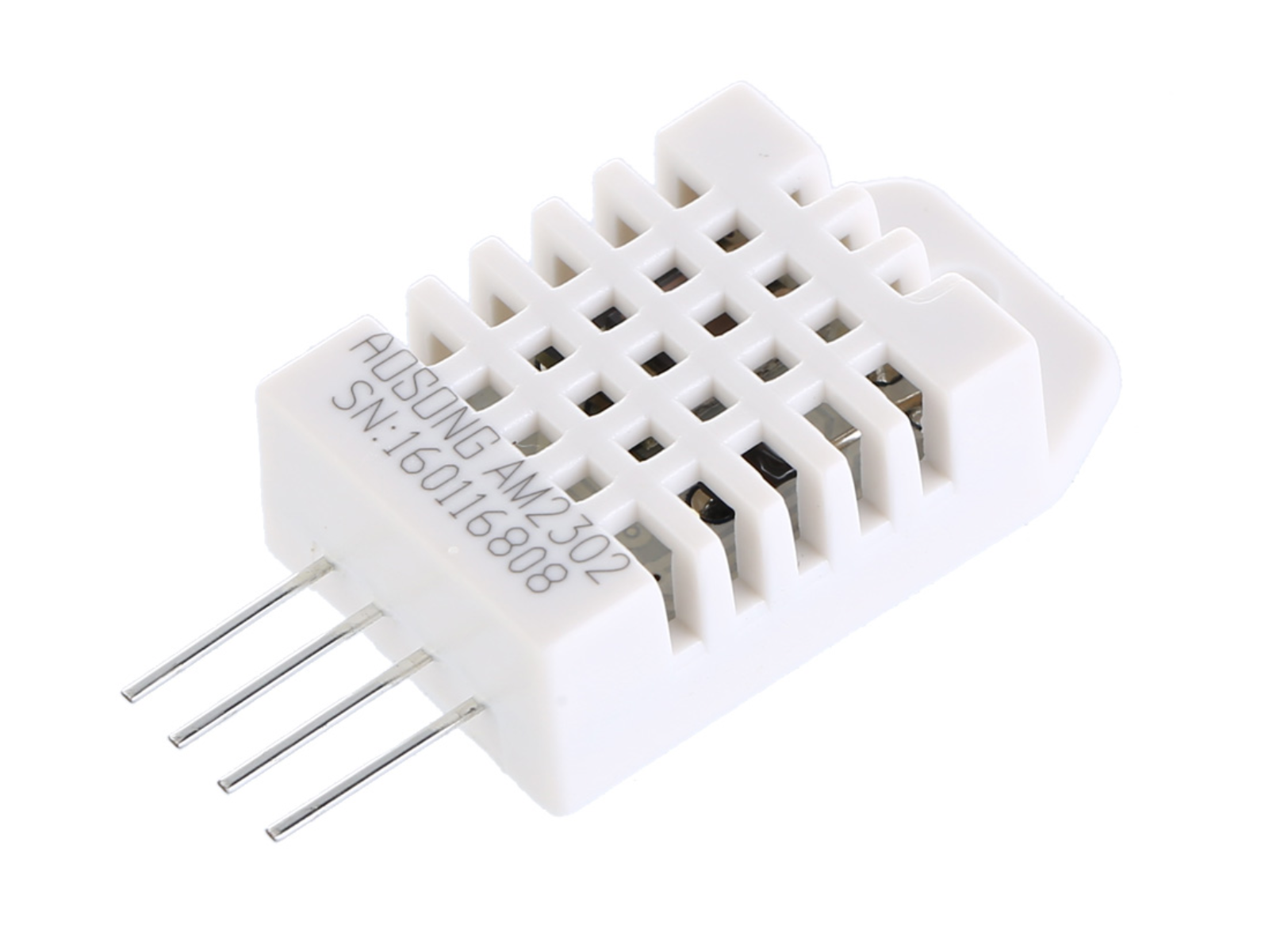
Esp32 + 1$ DHT22 temperature sensor
ESPHome is a powerful framework for building IoT devices using ESP8266, ESP32, and other microcontrollers. It allows you to easily configure and control your devices from a web interface. In this tutorial, we will learn how to connect the DHT22 sensor to the ESP32 board using ESPHome. Let’s get started. Step 1: Install ESPHome Before we begin, make sure you have installed ESPHome on your computer. Follow the instructions on the ESPHome website to install ESPHome.
Top 10 DIY Smarthome Projects You Wish You Know Them Before.
Smart home technology has become increasingly popular in recent years, with a wide range of devices available on the market. However, many people are also interested in DIY smart home projects using platforms like ESP32 or Tuya. In this article, we will explore 10 DIY smart home projects using ESP32 or Tuya. 1. Smart Home Security System You can create your own smart home security system using ESP32 and sensors such as door sensors, motion sensors, and window sensors.
Zigbee2mqtt : Aqara temperature - Homeassistant without Xiaomi Gateway? Here is how !
If you are reading this article, you have already heard about zigbee. But also, maybe you don’t understand it, comparing to wifi or bluetooth. And maybe, you are looking for a cheap solution to connect to your smart devices using the protocol zigbee. I have done a bunch of tests and will share with you how to connect and read your data through zigbee using CC2531 usb dongle and home assistant.

Grafana 9 Alert : How to customize alert message
Grafana added the alert feature recently and it’s now released with the Grafana 9. That’s a great feature for the people who don’t want to set a proper alermanager and to configure it. I’ve took the time to explore the alert and play with it. Let’s see how it works! Deploy grafana and prometheus With the docker-compose file below run the grafana and prometheus docker-compose up -d. # docker-compose.yml file version: "3.

Go strings manipulation: Optimize performance x100
Optimization, faster, better… these words are always what we search for on google to make our programs more performant. In a recent project I’ve worked on, the optimization was the main focus. While string manipulation could not be your issue if your program process few words, my project was processing millions of strings per second. Thus, each nanosecond counts! The tips below are the fruit of 2 months of work. These tips may not all fit your needs, test them all and choose what fits your code more.

Cheap 15$ Air quality monitor: ESP32, Bluetooth & Home assistant
If you are a DIY lover, the first sensors you look at are : temperature sensor and airquality sensor. #Metoo. I have started with the temperature sensor in this article and found that amazing. I decided to go try the airquality monitoring. I wanted something cheap, and ideally with bluetooth to connect it easily to my ESP32 and Home assistant, I found that Airbox WP6003 can do the job. Requirements: ESP32-DevKit board: Buy it here Airbox WP6003 Bluetooth: Buy it here Collecting information BLE devices normally has characteristics that can be access using an ID.
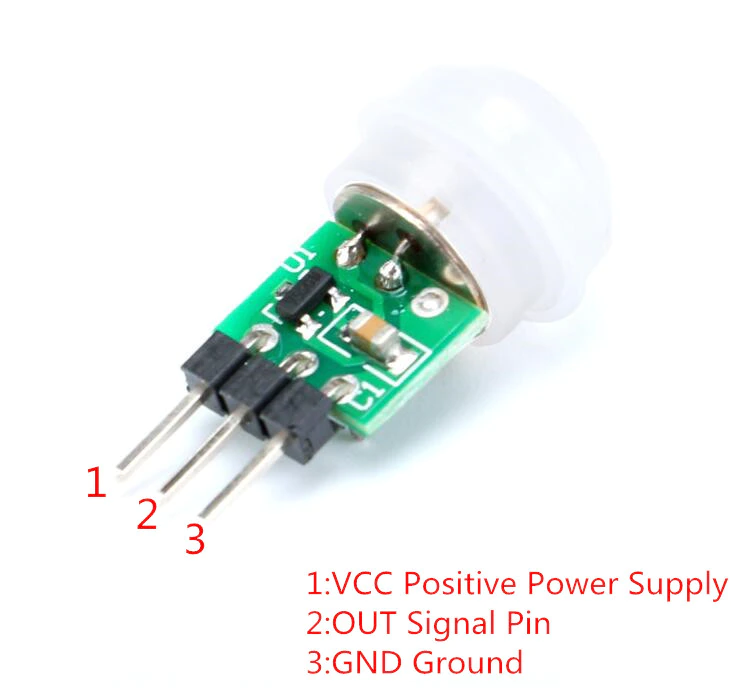
ESP32 AM312 motion sensor automation
DIY 5 minutes : Connect esp32 to the motion sensor am312 and create an automation. In the last article, we’ve seen how to turn on/off the smart light depending on the presence of your smartwatch. In this article, we will see how to turn on/off the light using the PIR motion sensor AM312. Requirements Before starting the tutorial, you should have these materials. Aliexpress: ESP32-DevKit board: Buy it here AM312 PIR Motion sensor: Buy it here Tuya wifi bulb: Buy it here Wiring the components AM312 has 3 pins: 5v, GND and DATA.

DIY 5$: deploy Wordpress + free SSL with letsencrypt and haproxy
If you are starting your new business or want to have your own blog, hosting your website is something are looking for. But you are asking yourself: “What is a cheap and good way to host my website?”. Well, I have asked myself the same question and I got the answer. I had already an Orangepi ( Orangepi3 LTS: Buy it here ), so I have decided to use it and deploy my website on it.

How to turn off the light automatically when you go out using esp32
Everytime you go out and you forget to turn off the light ! Don’t worry, you are not alone in this situation. We are all LAZY. In this article, we will make it simple and easy to make some economy on your electric bill, but we will also contribute to save the planet. Requirements Before starting the tutorial, you should have these materials. ESP32-DevKit board: Buy it here Tuya wifi bulb: Buy it here Xiaomi MiBand: Buy it here Finding the Mi band MAC adress if you know already your band bluetooth MAC adress, you can skip this part.